Interactive Tools in Tallahassee, FL
Interactive tools help visitors explore services, answer questions, and take action with less friction.
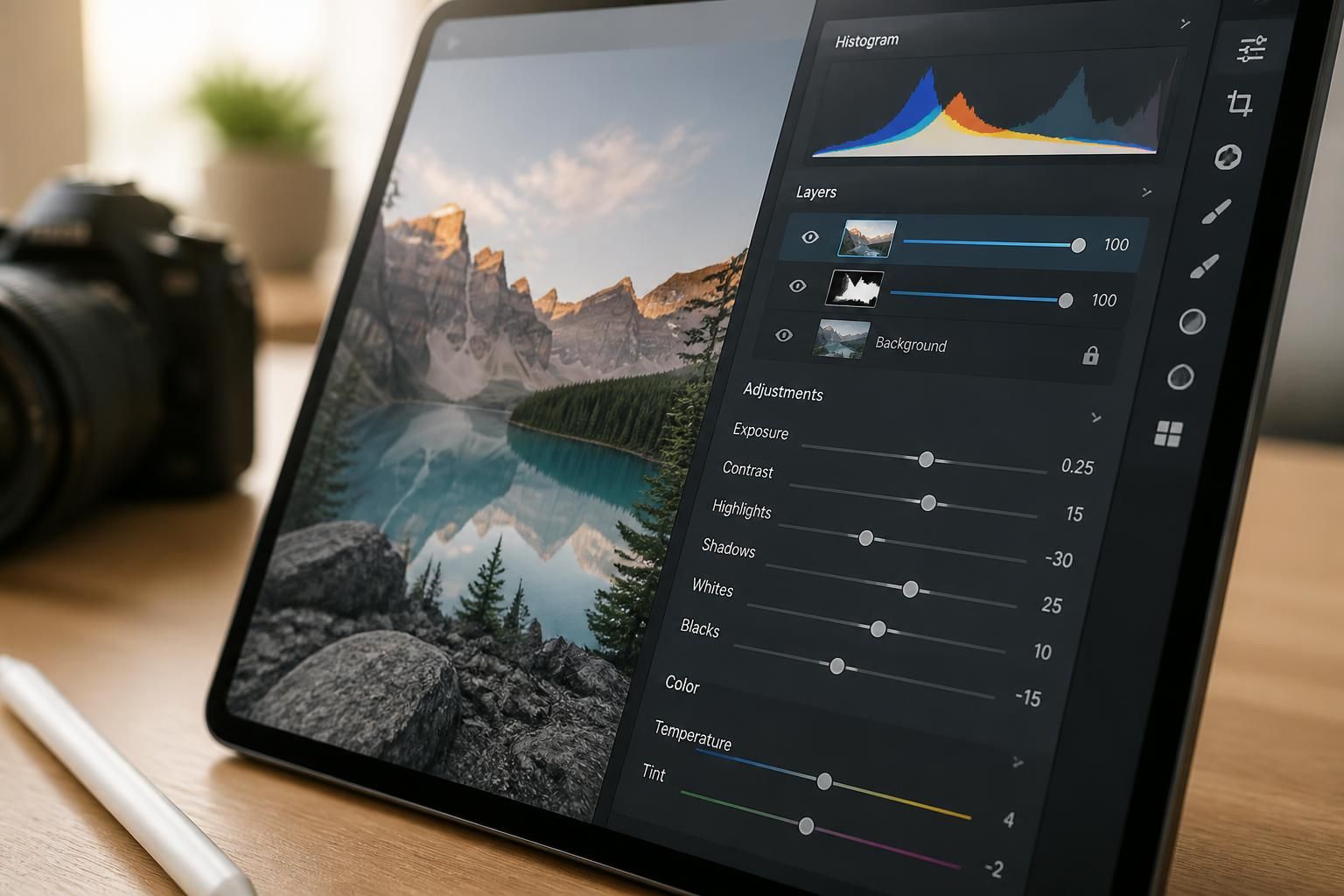
Interactive tools help visitors explore services, answer questions, and take action with less friction.
When a visitor lands on your site, confusion costs you interest. If people cannot compare options, understand what you do, or find the next step quickly, they leave before they ever reach out. Interactive tools can turn that hesitation into momentum by giving visitors a simple way to explore, decide, and act.
WebSightLive creates interactive tools for businesses across Tallahassee, FL that need more than a static page. Whether you want a quote form, service selector, quiz, calculator, or guided intake flow, we build tools that match your website, support your message, and make it easier for customers to move forward.
Interactive tools work best when they remove guesswork. Instead of asking visitors to read through several pages and piece everything together, we shape a clear path that responds to what they need. That can mean a short questionnaire, a step-by-step chooser, or a simple form that helps people share the right details the first time.
WebSightLive designs these tools to fit your goals, not distract from them. The point is not to add extra features for the sake of it. The point is to help visitors take the next step with less friction, more confidence, and a better understanding of your services.
Every business has a different decision process. Some visitors already know what they need. Others are comparing services, trying to understand terminology, or simply looking for the easiest way to ask for help. We build interactive tools around those real behaviors so your site feels easier to use and easier to trust.
For businesses serving Tallahassee, FL and beyond, that means keeping things simple, readable, and direct. A tool should not feel like a puzzle. It should feel like a short conversation that gets people where they need to go without wasting their time.
Visitors want to understand what you offer without digging through too much text.
People prefer a quick path that helps them decide or contact you sooner.
Helpful prompts and clear choices make a business feel organized and approachable.
Interactive tools can support many parts of a website. Some work best at the start of the customer journey, while others help convert visitors after they already know what they want. We can build tools that suit your content, your services, and the way customers tend to reach out.
Popular options include tools that sort service requests, gather project details, or help visitors compare next steps. If you need something more tailored, we can shape a custom flow that reflects how your business actually works.
An interactive tool only works well when the design and the language support each other. If the layout is cluttered, people hesitate. If the wording is vague, people stop midway. If the steps feel too long, they abandon the process. We address all three by keeping the experience focused and easy to follow.
That is where clear messaging matters. WebSightLive aligns each tool with your service page copy, calls to action, and visual structure so the experience feels consistent from start to finish. Visitors should understand what the tool does, what happens next, and why it is worth completing.
We keep the process practical and collaborative. First, we learn what you want the tool to do and what kind of visitor response would help your business most. Then we shape the flow, write or refine the wording, and build the interactive experience into your website.
Once it is ready, we test how it reads on desktop and mobile, check the structure for clarity, and make sure the tool fits naturally with the rest of your site. If you want the tool connected to a larger redesign, hosting setup, or ongoing care plan, we can handle that as part of a broader website update.
We talk through the purpose of the tool, the audience, and the action you want visitors to take.
We map the steps, fields, and messaging so the experience stays focused.
We create the tool and place it within your website structure.
We check how it reads, how it flows, and whether the next step is obvious.
Interactive tools can do more than improve user experience. They can also support search visibility and AI discovery when the content around them is clear, organized, and easy to interpret. That matters because modern discovery tools respond well to pages that explain what a business does without burying the answer.
WebSightLive draws on the approach of its founding company, Know What AI Sees, to build content structures that are easier for people, search engines, and AI-powered systems to understand. The goal is not to stuff pages with terms. The goal is to make your services legible so the right visitors can find and trust them.
Many visitors will reach your site from a phone, not a desktop. That means an interactive tool has to work well on a smaller screen without extra pinching, scrolling, or frustration. We design for that from the start so the experience stays easy to use wherever people find you.
Buttons need enough space. Text needs to read cleanly. Forms need to stay short enough to complete without losing interest. When an interactive tool feels natural on mobile, it does more of its job and gives your business a better chance to capture the lead.
An interactive tool should not become a source of extra hassle after launch. It needs a stable place on your website, dependable hosting, and ongoing attention if your services or process change. That is why we can pair tool development with website hosting and care so the experience stays current and reliable.
If you later want to revise wording, adjust steps, or add a new path for another service, we can update the tool without making the process feel disconnected from the rest of your site. That flexibility helps your website grow alongside your business.
Interactive tools help any business that needs visitors to make a decision, submit details, or understand services faster. They are especially useful when people often arrive with questions and need a guided next step.
Yes. We can build tools to match an existing site so they feel like part of the same experience rather than an add-on. The layout, wording, and visual flow are shaped to fit what is already there.
They do. Service-based businesses often benefit from tools that sort requests, explain options, or gather project details before the first conversation. That can make initial contact smoother for both sides.
That is one of the most useful reasons to add one. A guided flow can narrow choices, point visitors toward the right service, and reduce the back-and-forth that often happens when the website is too broad.
Yes. We shape the language so it sounds like your business, not like a generic form. The wording can be direct, friendly, concise, or more explanatory depending on how you want to present yourself.
Send your details through the contact form and tell us what you want the tool to accomplish. From there, we can discuss the best structure, the right level of interaction, and the next steps for your site.
If your website needs a better way to guide visitors, collect details, or help people make decisions, interactive tools can make that path clearer. WebSightLive builds them for businesses in Tallahassee, FL that want a site that works harder for every visit.
Ready to explore the right tool for your business? Reach out to Alan@KnowWhatAISees.com or call +18505241894 to get started.

Ready When You Are
Tell us what you need, and we’ll help you plan a website that fits your business and supports your goals.